

Table of Contents
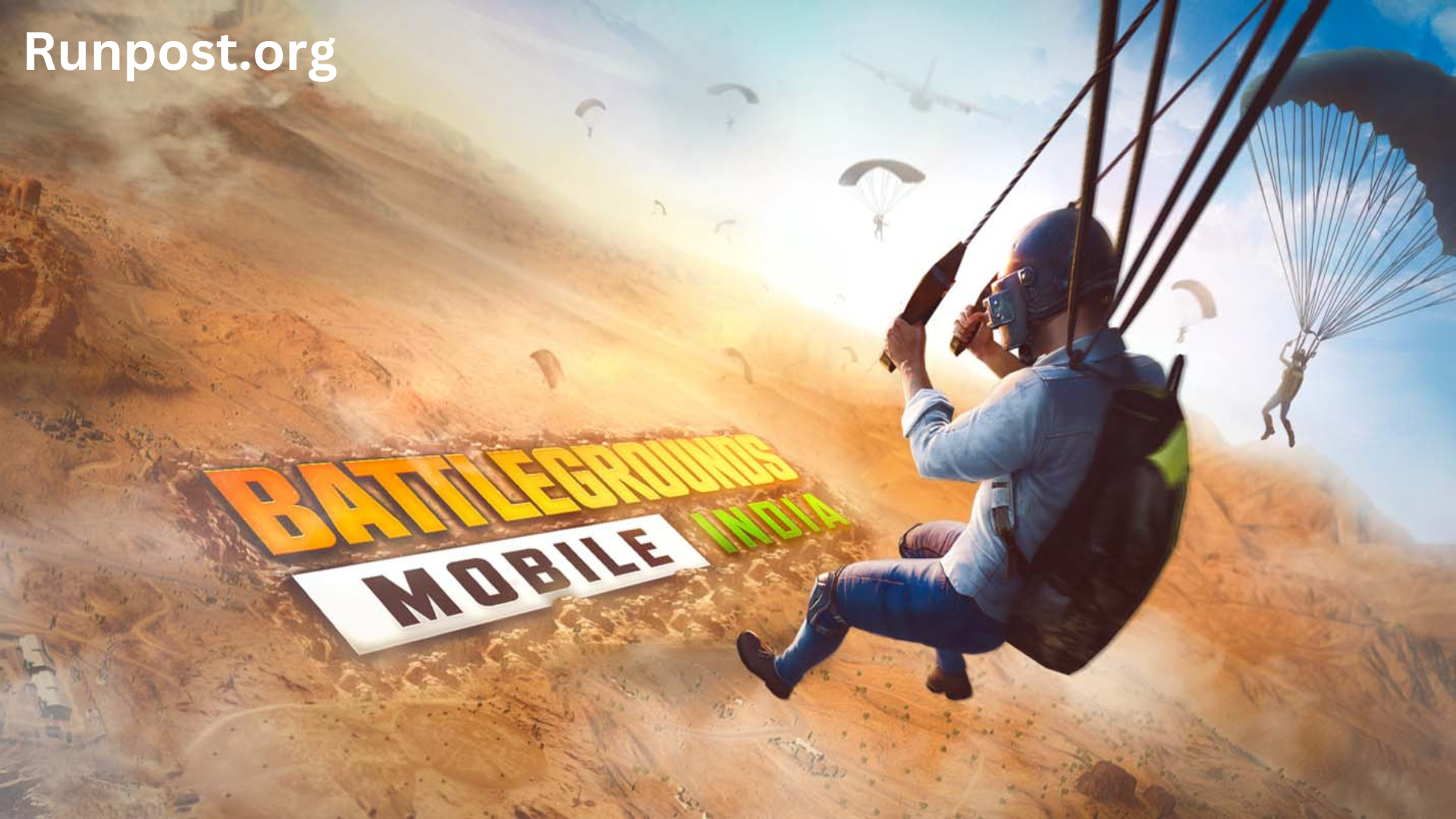
The release of Battleground Mobile India (BGMI) for PC has been highly anticipated ever since PUBG was banned in India. This game has made a comeback in the country, adhering to government regulations, with dedicated servers now established exclusively for Indian players. If you’re looking to play BGMI on your PC, Mac, or laptop, this article will guide you through the step-by-step installation process.
Battleground Mobile India for PC
The article below provides information on how to download Battleground Mobile India (BGMI) on both mobile devices and PCs. The Indian youth had been eagerly awaiting the arrival of BGMI, and to cater to their enthusiasm, Krafton’s beta testers released the game ahead of schedule, rebranded for the Indian audience. The initial features of the game are now available for download through Battleground Mobile India for PC links, with the expectation that the final version of BGMI will be released in the near future.
For those interested in downloading BGMI on their mobile devices, you can easily find it on the Google Play Store. If you’re looking to install BGMI on your PC, the article below offers guidance on the process. This involves the use of an emulator, allowing you to use your PC as a mobile device. It’s essential to note that BGMI cannot be run on a PC without the aid of an emulator.
How to Install Install BGMI on PC
To successfully install BGMI on your PC, follow the step-by-step guidelines provided below. Playing BGMI on your PC necessitates a specific approach for a limited period. It’s important to note that this game can only be installed on your PC using an emulator; attempting to do so without one will not work. When selecting an Android emulator for your PC, opt for one that is compatible and performs well. We will now provide you with a detailed, sequential guide on how to install BGMI on your PC.
You can enjoy BGMI on your PC by using one of the top three Android emulators listed below.
Three popular Android emulators for playing BGMI on your PC are:
-
Bluestacks: This emulator is a popular choice for BGMI and works well on both Windows laptops and Macs. It allows you to effectively transform your PC into an Android mobile device, running Android 7.1 Nougat. To install Battlegrounds Mobile India (BGMI) on your PC, you can do so via Bluestacks.
-
LDPlayer: LDPlayer is not only useful for apps like Instagram and WhatsApp but also for playing BGMI on your PC. As a gaming-focused Android emulator, it provides a seamless Android app experience on your PC, running on Android 7.1 Nougat.
-
NoxPlayer: Another reliable Android emulator, NoxPlayer, lets you utilize your PC as an Android device. It’s compatible with Android 7 Nougat. To play BGMI on your PC, ensure your computer has a minimum of 2GB of RAM.
These emulators offer different options to run BGMI on your PC, so you can choose the one that best suits your system and preferences.
How to Install BGMI on Mac?
To play BGMI on your MacBook, you can utilize any of the three mentioned emulators. Here’s a step-by-step guide on how to download and install BGMI on your PC or Mac:
-
Download the Android Emulator:
- Visit the Bluestacks official website at https://www.bluestacks.com/download.html.
- Download the emulator compatible with your Mac operating system.
-
Install the Emulator:
- After the download is complete, install the emulator on your Mac by following the installation instructions.
-
Launch the Emulator:
- Once the emulator is successfully installed, launch it on your Mac.
-
Access Google Play Store:
- Inside the emulator, open the Google Play Store on your PC or Mac.
-
Sign in to Google Play Store:
- If you haven’t previously logged in to Google Play Store, you’ll need to sign in using your Google account.
-
Search for BGMI:
- In the Google Play Store, search for “Battlegrounds Mobile India.”
-
Install BGMI:
- Locate the BGMI app in the search results and click on it to install the game on your PC.
-
Download Additional Game Files:
- Once the installation is complete, open BGMI on your PC. It may require additional game files to be downloaded.
-
Login to BGMI:
- Log in to BGMI using your game ID, which can be linked to your Facebook or Twitter account.
-
Enjoy the Game:
- After successfully logging in, you can start enjoying the Battlegrounds Mobile India game on your MacBook through the emulator.
These steps should guide you through the process of playing BGMI on your Mac using an Android emulator.
How to Install BGMI on Laptop?
The launch of BGMI in India, as a rebranded version of PUBG, has sparked immense excitement among the youth. Many players now prefer to enjoy this game on their laptops, and you can effortlessly follow the steps mentioned above for playing BGMI on your laptop. The installation of an emulator, as outlined in the previous steps, is essential to play BGMI on PC, Mac, or Laptop.
For additional information and updates about BGMI, you can refer to the article available on our homepage. If you have any questions or concerns, please feel free to share them in the comment section below. To stay up-to-date with all the latest BGMI-related news directly on your mobile device, don’t forget to enable notifications from our website. Exciting new features of this game will be unveiled soon, so stay tuned!